
A video face swap app, not a website uploader
This page explains the Android app. The website does not upload a face or run a video swap. Core face swapping runs on the phone after you install Beauto.
Beauto is an Android video face swap app. Install the APK, choose a clip, add a source face, and save the result from your phone.
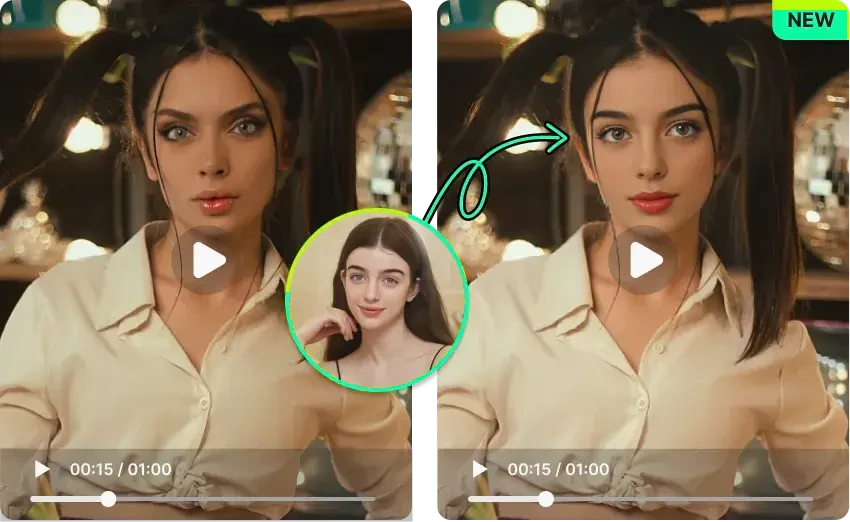
This page explains the Android app. The website does not upload a face or run a video swap. Core face swapping runs on the phone after you install Beauto.
The video workflow replaces a face across a clip and encodes H.264 into MP4. A separate multi-person video workflow assigns more than one face. Short, clear clips with a visible face are the most reliable start.
Single-person videos cost 1 credit per 10 seconds without PRO, or per 15 seconds with PRO. A 30-second clip costs 3 or 2 credits. Multi-person videos cost twice that rate.
These are the original/effect videos bundled in Beauto’s Android onboarding. They demonstrate the concept, not a recording of the current workflow or a device performance test.
Yes. Beauto is an Android app for photo and video face swap. Install the APK from this site, then run video face swap in the app.
No. The website explains the app and offers the APK. Choose the video in Beauto on your Android phone.
No. Decoding, face processing, and encoding depend on the phone, the clip length, resolution, motion, and occlusion. There is no fixed completion time.