
Style templates, not a gender tool
Mermaid, painting, cartoon, and seasonal pictures on this site are illustrations of a look. Beauto does not offer a separate gender-swap engine. Clothing, hair, and scene come from the template you choose.
Try fantasy, painted, cartoon, and seasonal templates in Beauto. These are character and style templates, not a separate gender-swap mode.
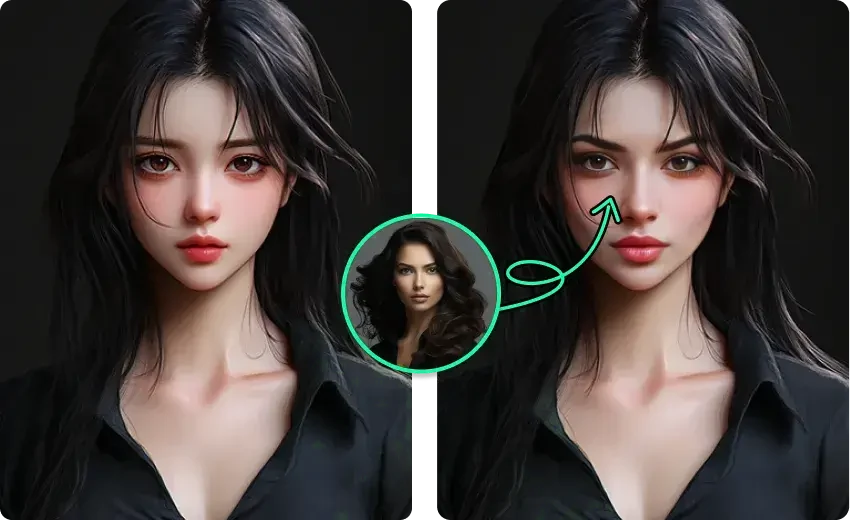
Mermaid, painting, cartoon, and seasonal pictures on this site are illustrations of a look. Beauto does not offer a separate gender-swap engine. Clothing, hair, and scene come from the template you choose.
A custom single photo of your own image is free, and finished results have no watermark. A style template can still cost credits or need PRO.
No. Beauto does not have a separate gender-swap mode. A character or style template may change clothing, hair, or the scene, and results vary with the source photo.
No. They are supplied creative examples. Open Beauto to see which templates are available now.