A template workflow, not a separate engine
Cinematic examples on this page show the kind of template you can look for. Only templates published in the app can be used, and a template may cost credits or require PRO.
Choose a cinematic template in Beauto and add a face you have permission to use. Movie looks are templates in the app, not a separate face-swap engine.
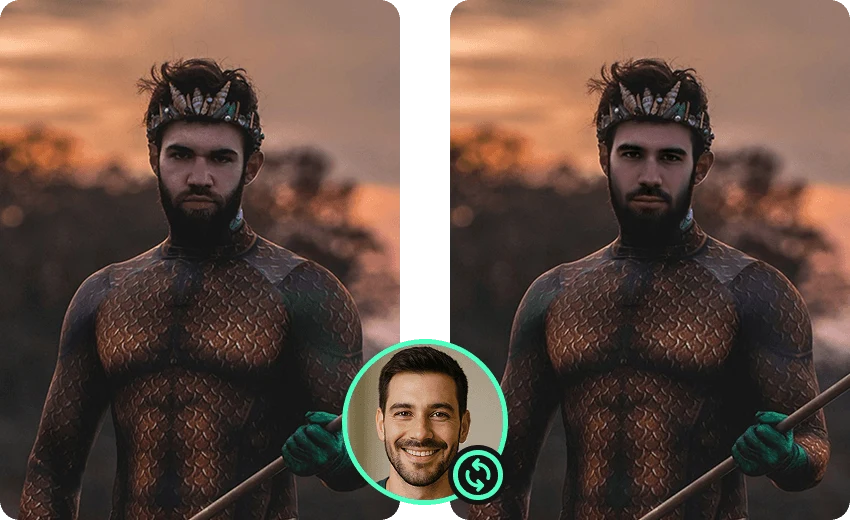
Cinematic examples on this page show the kind of template you can look for. Only templates published in the app can be used, and a template may cost credits or require PRO.
The template sets the scene. Angle, lighting, and clarity of the source face change how natural the blend looks. These pictures are supplied examples, not a promise of a specific film.
No. Use the templates currently listed in Beauto. The images here are supplied examples, not a catalog of film titles.
A custom single photo of your own media is free and the finished result has no watermark. A template can still have its own credit price or require PRO. Confirm the price in the app before you create.