
One credit per batch, free with PRO
A batch costs 1 credit without PRO and no creation credits with PRO. Batch means applying the same source face across multiple target photos; it differs from replacing multiple faces in one group photo.
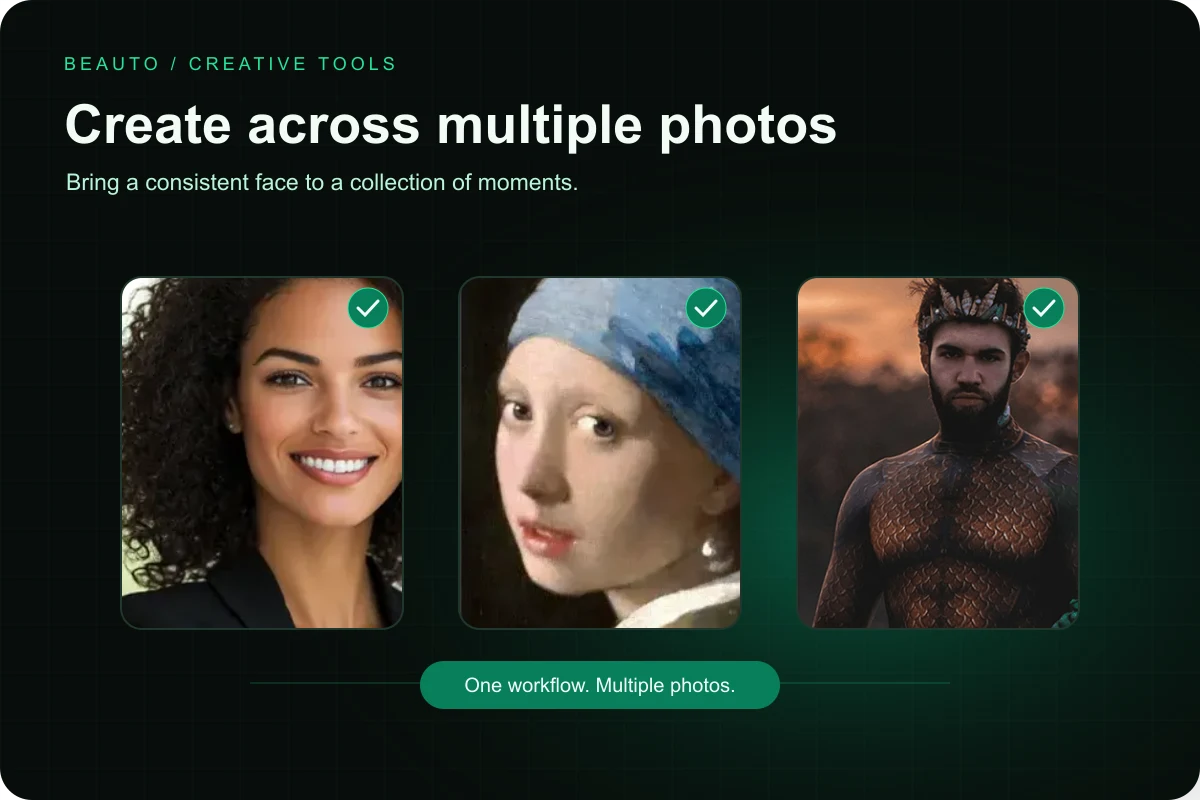
Choose multiple target photos for the same source face and create them in a batch. The current Android picker supports up to 9 photos per batch.
A batch costs 1 credit without PRO and no creation credits with PRO. Batch means applying the same source face across multiple target photos; it differs from replacing multiple faces in one group photo.
Angles, lighting, and clarity vary across photos, so results may differ. For a poor result, try a more suitable source face or target photo individually.
The current Android batch picker has a 9-photo limit. Process more photos in separate batches; capabilities depend on your installed version.