
Your photos, your starting point
Use your own target image or start with a template available in the app. Custom single photos and paid or PRO templates follow different pricing rules; check each template’s label.
Put your face into a photo to explore a different portrait, scene, or look. Custom single-photo swaps are free, with no watermark on the finished result.
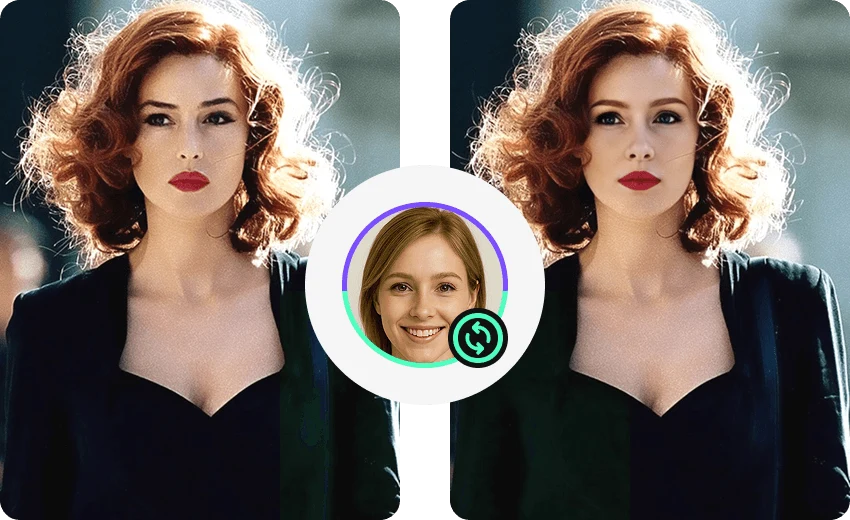
Use your own target image or start with a template available in the app. Custom single photos and paid or PRO templates follow different pricing rules; check each template’s label.
Use even lighting and an unobstructed face, and keep source and target angles similar. Very small faces, blur, strong side angles, and occlusion can affect detection and blending.
Free means custom single-photo swaps do not cost creation credits. Quality, media compatibility, and other features have their own limits. Videos, batch photos, group photos, and templates follow separate rules.
Review the result in the app and choose how to save or share it. This website does not accept photos for online face swaps.