
What happens on device
The app uses a bundled native engine for face processing and Android media components for video. Processing uses device compute, memory, storage, and battery; the experience varies by phone and media.
Beauto runs core face detection, replacement, and blending on Android. Videos are decoded and encoded on the phone too; accounts and other online services still use a network connection.
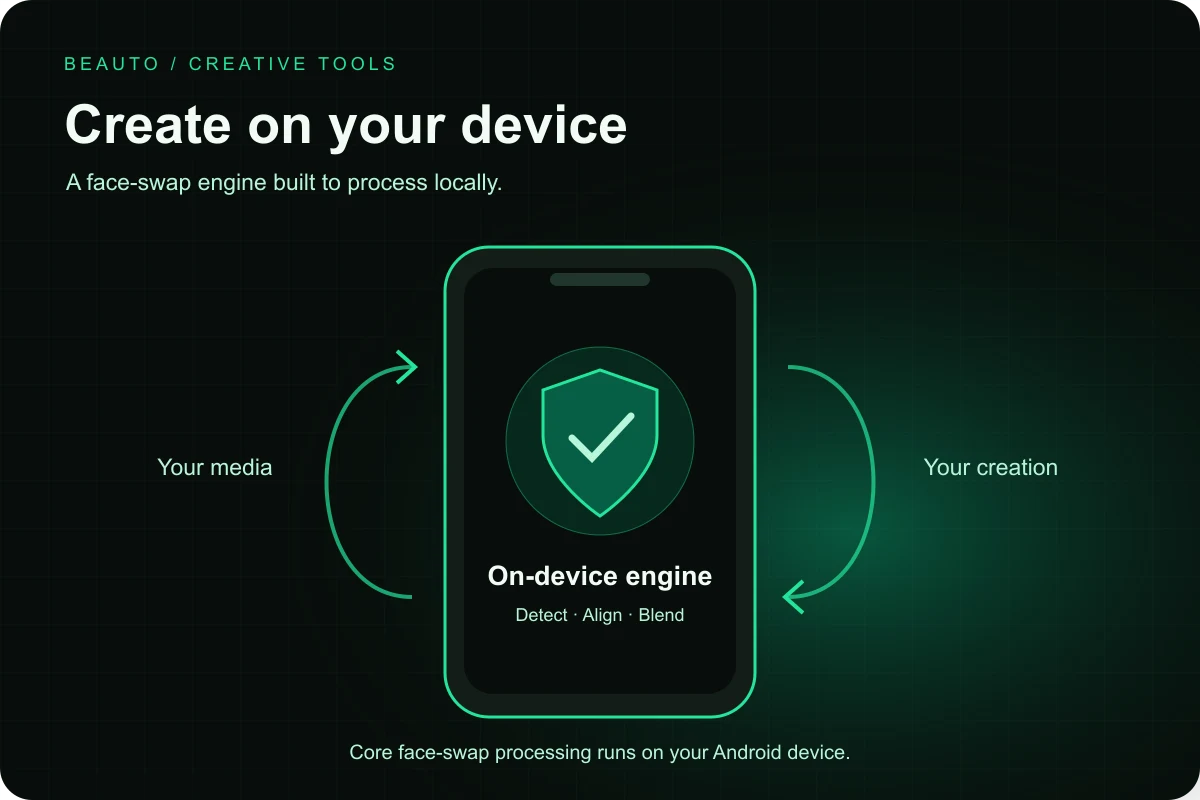
The app uses a bundled native engine for face processing and Android media components for video. Processing uses device compute, memory, storage, and battery; the experience varies by phone and media.
Templates and resource downloads, updates, accounts, credits, subscriptions, payments, and analytics use the network. The app also reports creation type and related template identifiers after completion. On-device processing does not mean no network data.
The project includes local models, the face swap engine, and 32-bit and 64-bit ARM native libraries. These contribute to the download size; see the download page for the current APK’s actual size.
No. Core swapping runs locally, while supporting services make network requests and process data. Read the privacy overview and the full app policy; local processing is not a promise of zero data transmission.